 Journal
You Probably Already Own Your Next Attendance Machine
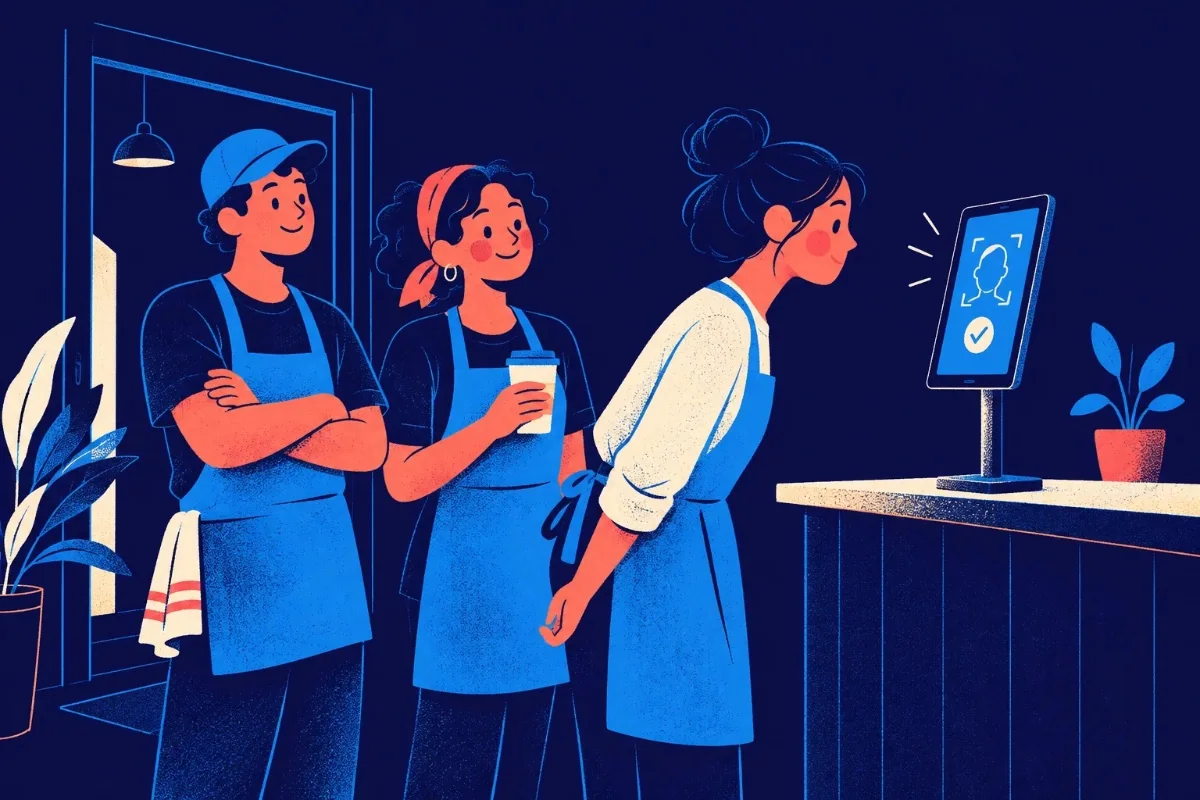
A tablet at the counter. An old phone near the entrance. A computer at reception. That might be all you need to give your whole team one shared attendance point.
Remember the Attendance Machine?
You know the one. Mounted near the entrance. Everyone walks up to it before work. Someone scans a fingerprint. Someone else stares into a camera. And eventually, somebody says: “Sir, the machine isn’t working.” Dedicated attendance machines make sense. They give everyone one place to record attendance. But they also mean buying another device specifically for attendance. Another piece of hardware to install. Another machine to maintain. Another thing sitting on the wall. So we started thinking. What if the device was already there?
Meet Thleng Ta! Station
Thleng Ta! Station turns one compatible device at your workplace into a shared attendance point for your whole team. That device could be: A tablet near the counter. An iPad at reception. A spare Android phone. An iPhone. A computer with a camera. If it has a compatible camera and a modern browser, you may already have what you need. Your staff walk up to the Station. The camera recognises them. And Thleng Ta! shows them what they can do next. Check in. Start a break. Resume work. Check out. One workplace device. Attendance for the whole team.
So Staff Don’t Need Their Own Phone?
Not necessarily. Until now, the normal Thleng Ta! experience has been personal. Your staff use their own registered device to record attendance. And that still works. Station simply gives businesses another option. Maybe you have staff who aren't allowed to keep phones with them while working. Maybe you prefer one attendance point near the entrance. Maybe you run a café and want everyone to check in using the tablet already sitting near the counter. Maybe your office has an iPad at reception doing almost nothing for most of the day. Now it can become a Thleng Ta! Station.
Walk Up. Scan. Done.
The everyday experience is meant to be simple. Imagine a café opening in the morning. The first employee arrives. They walk over to the tablet beside the counter. The Station sees their face. Thleng Ta! recognises who they are. The screen shows: Check In They tap it. Done. A few hours later, another employee walks up. They're already checked in, so the Station knows that Check In isn't what they need anymore. Instead, it can show the actions that make sense for their current attendance state. Maybe: Start Break Later: Resume Work And at the end of the shift: Check Out The Station isn't creating some separate version of their attendance. It's working with the same attendance record they already use in Thleng Ta!.
Your Staff Accounts Stay the Same
We didn't want Station to create another annoying setup problem. You shouldn't have to create: “John” and then: “John - Station” and then wonder why you now have two Johns in your attendance system. Station works with the staff already assigned to that workplace. The same people. The same attendance history. The same account. If a compatible Face ID profile has already been set up through the employee's phone, Station can use it. If someone hasn't completed that setup yet, they can go through enrollment. No second employee database. No duplicated attendance records.
Station and Personal Phones Can Work Together
This part is important. Station does not replace your staff member's personal registered phone. And using a Station does not suddenly unlock their account on every random phone. The two attendance methods simply work with the same record. For example: A staff member arrives in the morning. They check in at the Station. Later, they go on break and use their registered phone to start it. When they return, they walk past the counter and resume from the Station. At the end of the day, they check out from whichever authorised method makes sense. As long as Thleng Ta! can connect to the server, each method follows the employee's current attendance state. So the Station doesn't become a separate little attendance universe. It's just another doorway into the same record.
Face Recognition Is Built Into the Experience
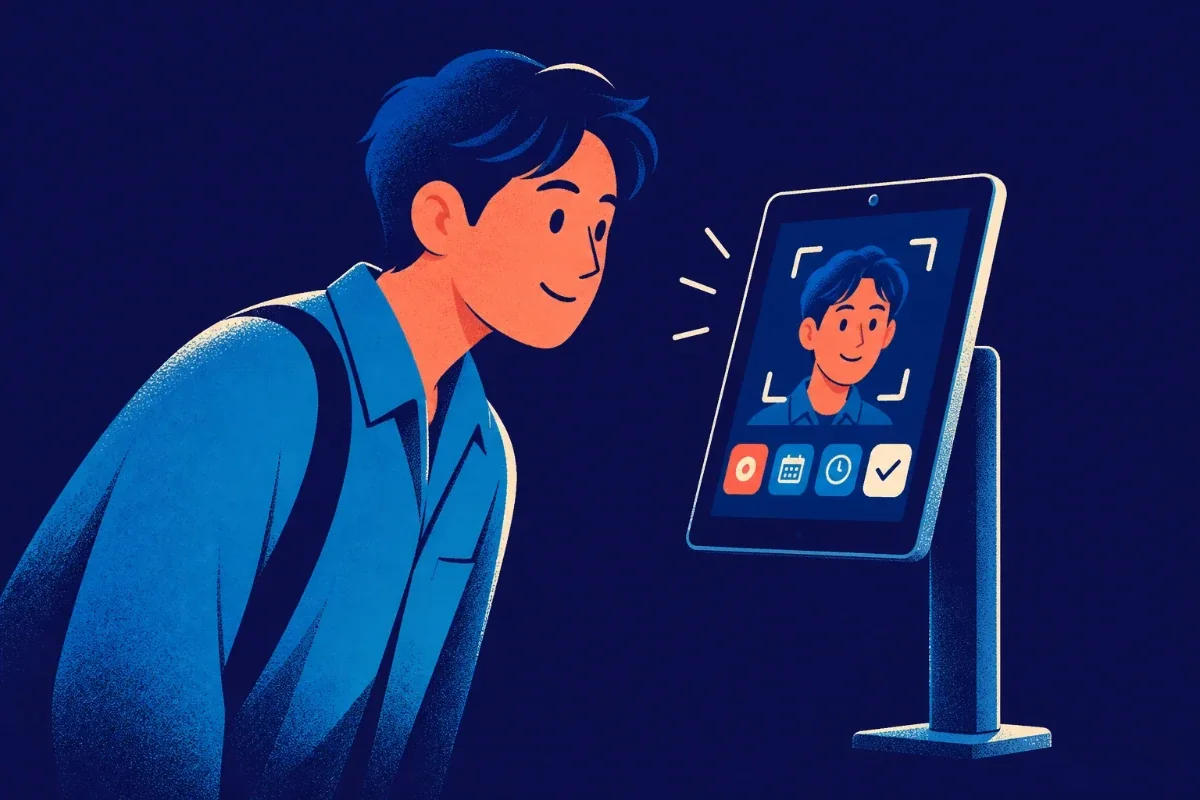
A shared device creates an obvious question. How does the Station know who is standing in front of it? That's where face recognition comes in. Staff don't need to pick their name from a giant list every morning. They can walk up and let the Station identify them. If the match isn't certain enough, the Station can ask for extra confirmation. For example: Username + PIN followed by: Face verification That gives the system another way to confirm who is trying to record attendance instead of simply guessing.
And Face ID Is Not Workplace ID
The names sound similar, so this is worth clearing up. Face ID checks the person. Workplace ID checks the place. They're solving different problems. Station uses face recognition to identify the staff member standing in front of it. Workplace ID, when enabled, checks whether the visible workplace environment matches what was registered for that workplace. One asks: Who is this? The other asks: Does this look like the workplace? And owners can decide whether they want location verification and Workplace ID enabled for a particular Station.
What About Location?
Station doesn't automatically mean: “It's sitting at work, therefore trust everything.” Location verification is still its own setting. The same goes for Workplace ID. Some businesses may simply want a shared face-based attendance point. Others may want stronger verification around where that Station is being used. Different workplaces need different levels of control. A café. A school. An office. A warehouse. A small shop. They don't all need the exact same attendance rules. So Station can fit into the verification setup the business actually wants.
One Station. One Paired Device.
When an owner or authorised manager creates a Station, it gets paired to a device. Each Station can be paired with one device at a time. That matters because a shared attendance point should actually behave like a shared attendance point. If you replace the tablet later, the owner or manager can reset the pairing and connect the new device. The idea is simple: This Station belongs to this workplace, on this device.
What Could a Station Actually Look Like?
Nothing fancy. That's sort of the point. At a café Put a tablet near the counter. Staff arrive, scan their face and check in before starting work. At an office Keep an iPad or computer at reception. Employees record attendance as they enter. At a shop Reuse an older compatible phone as the attendance point. Put it somewhere staff can easily access it when their shift starts. At a larger workplace Set up the shared device somewhere convenient and let the team use it throughout the day for attendance actions. You don't necessarily need a dedicated fingerprint terminal to have one central place for attendance.
Your Old Device Might Have a New Job
Technology has this strange habit of making perfectly good devices feel old very quickly. A phone gets replaced. A tablet sits in a drawer. A laptop gets moved to a reception desk. The camera still works. The browser still works. The screen still works. But suddenly nobody knows what to do with it. Well. It can clock people in now. If the device is compatible with Station, you may be able to turn hardware you already own into something useful again. That's one of our favourite parts of the idea.
This Doesn't Mean Biometric Machines Are Bad
They're not. Dedicated attendance hardware still makes sense for plenty of businesses. If you want a purpose-built fingerprint machine installed permanently at an entrance, that's a completely reasonable way to handle attendance. Station is simply another approach. Instead of saying: “To get one shared attendance point, you need to buy a special attendance machine.” we're saying: “Take a look at the devices you already own first.” You may already have a camera. A screen. Internet. A browser. And all the hardware needed for a shared attendance experience.
The Shared Device Shouldn't Weaken Personal Device Security
There's another important detail. If an employee uses a Station, that does not mean Thleng Ta! suddenly considers the Station their new personal device. Their registered phone remains their registered phone. Using the workplace Station does not give staff permission to freely move their personal attendance account between different devices. Station is a separate, controlled attendance method managed by the workplace. That's intentional. A shared device should make attendance easier. It shouldn't make device controls meaningless.
Owners Stay in Control
Owners and authorised managers can manage their Stations from Thleng Ta!. They can create them. Choose the workplace. Give the Station a name. Pair its device. Reset the pairing if needed. Manage access. And manage the identity settings used by staff. So if the old tablet eventually gives up after years of service, you aren't married to it forever. Reset the Station. Pair another compatible device. Carry on.
Why We Built Station
Not every workplace wants attendance to happen on personal phones. And not every workplace wants to buy a dedicated biometric machine. There was a very obvious space in between. A business might simply want: One device at the workplace. Everyone uses it. Attendance goes into the same Thleng Ta! system. That's Station. It keeps the convenience of a shared attendance terminal without requiring the shared device to be a specialised attendance machine.
One Workplace Device. Attendance for the Whole Team.
That's really the whole idea. Put a compatible device where your staff can access it. Pair it to your workplace. Let your team walk up, scan and record attendance. And if they still use their personal registered phones too? That's fine. Station doesn't replace that workflow. It joins it.
Thleng Ta! Station Is Available on Plus and Above
Station is rolling out for Thleng Ta! Plus plans and above. It is not included with the Lite plan. If your workplace already has a compatible phone, tablet, iPad or computer sitting around, you may not need to buy anything else to get started. Your next attendance machine might already be on your desk.